Plans, free trial and pricing
Your free trial, what a membership includes, and how to subscribe on each platform.
Last updated 27 September 2026
How access works
- —Every new account gets a 15-day free trial. No card is needed to start it.
- —After the trial, you need a membership to keep using Qurannotate. When the trial (or a subscription) ends, a full-screen upgrade screen appears. It says your notes are safe, and they are: nothing is deleted when a trial ends. Subscribe and you pick up where you left off.
- —There is no permanently free plan, and no feature is locked inside a membership. A membership unlocks everything.
- —During the trial you may occasionally see the upgrade screen. Tap Continue my free trial to carry on.
- —Someone who has shared a mushaf with you by link can still let you view it even if you have no membership.
What a membership includes
The upgrade screen lists:
- —Unlimited notes across every mushaf
- —Collaborate in real-time with anyone
- —Notebooks and journals
- —Export and share your work
- —90 AI study credits every month
- —Every future feature, included
(You can keep up to 10 mushafs and notebooks on your dashboard at once, on any plan.)
Plans
There are Monthly and Annual subscriptions.
Current prices are always shown on the upgrade screen in the app (and on the web at app.qurannotate.com), in your currency. Prices in the iPhone/iPad and Android apps are set through the App Store or Google Play and can differ from web prices. For anything about pricing, check the upgrade screen or email salam@qurannotate.com.
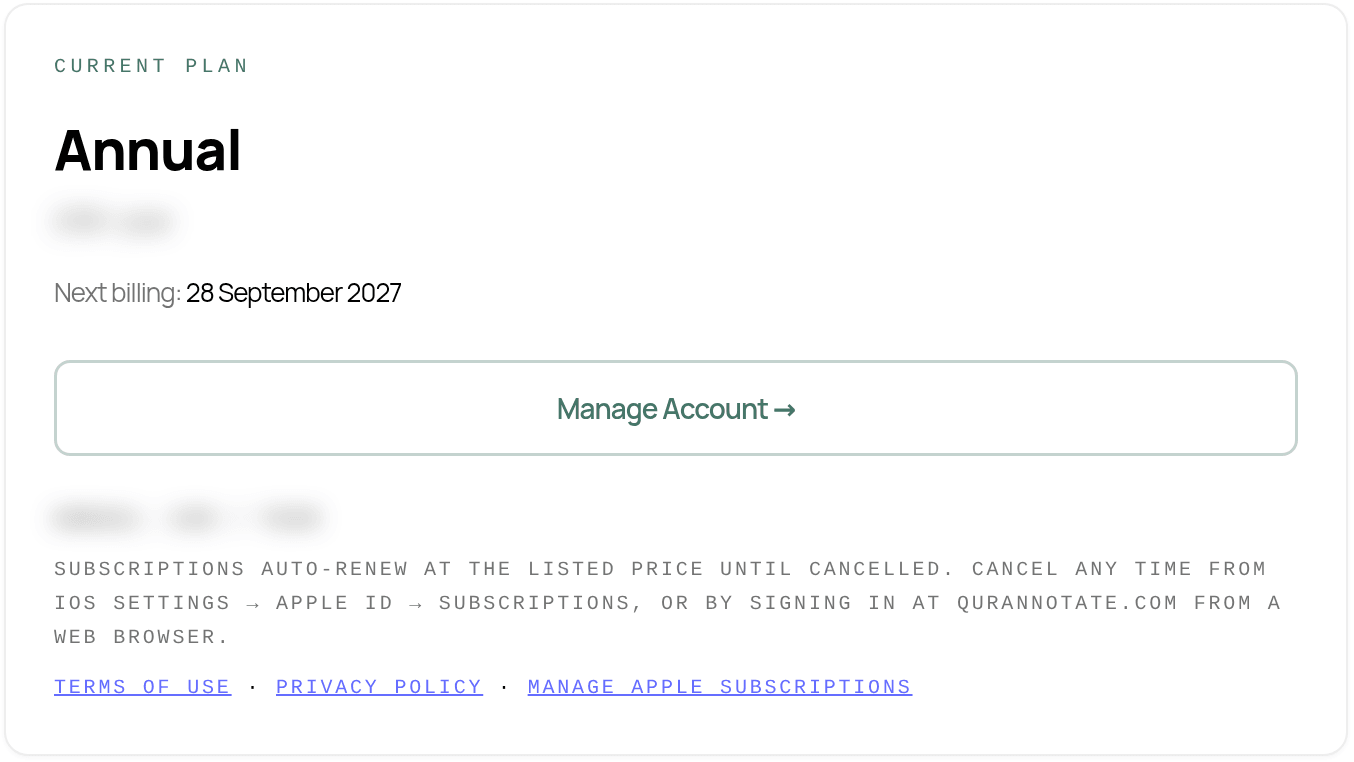
Subscriptions renew automatically until you cancel. See "Managing or cancelling your membership".
How to subscribe, by platform
- —Web (app.qurannotate.com): choose a plan on the upgrade screen . You'll go to a secure card payment page.
- —Desktop app (Mac/Windows): choose a plan. The secure payment page opens in your web browser, and the app updates when you return.
- —iPhone/iPad: depending on your app version, you'll see one of two screens:
- —Plans with a Subscribe button. Payment is handled by Apple through your Apple ID. You can also tap Restore Purchases if you subscribed before with the same Apple ID.
- —A message that your membership is managed on the web at app.qurannotate.com/account. Subscribe from any web browser by signing in with the same email, then return to the app and tap I Already Have a Subscription.
- —Android: depending on your app version, subscribe through Google Play (with a Restore Purchases option) or through a secure card payment page.
A membership from any platform works on all platforms. Sign in with the same account everywhere.
If a purchase doesn't show up
- —In the iPhone/iPad or Android app, tap Restore Purchases on the upgrade screen.
- —Make sure you're signed in to the same Qurannotate account you used to subscribe.
- —If you paid on the web and are using the iPhone/iPad app, tap I Already Have a Subscription if you see that button.
- —Still stuck? Email salam@qurannotate.com with the email on your account and roughly when you paid.
Schools and organisations
If your school gives you access, you join through a link from your school. Your Plan tab then shows Organisation, "Included via your school". Billing and seats are handled by your school's administrator.
Referral links
If you signed up through someone's referral link, you'll see a referral offer on the web pricing screen (for example the first month free on the Monthly plan).
Discounts and codes
There is no promo-code field in the app, and there are no student or family plans.
AI credits
Every membership includes 90 AI credits a month. You can also buy more credits or add AI Pro. See "AI credits".
Related Articles
Was this helpful?
Ready to annotate the Qurʼān?
Qurannotate is free to start — no sign-up required on web.